| Easy Heading Macro | ||
|---|---|---|
|
Natively, JIRA provides only permission to manage Worklog edition (Create or Update) :
Create old Worklog
Delete All Worklogs
Delete Own Worklogs
Edit All Worklogs
Edit Own Worklogs
Work On Issues
| Excerpt | ||
|---|---|---|
| ||
Project Permission Show Worklogs will allow you to grant access Worklog details to only allowed users. |
Overview
Minyaa Time introduces the Project Permission BROWSE_WORKLOGShow Worklogs to provide the ability to restrict access to Worklogs.

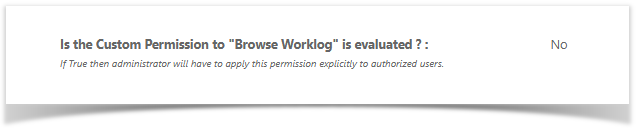
How to enable
Go to Minyaa Settings page and set to Yes or No the relevant setting ...
How it works
When enabled, by granting the Show Worklog Project Permission to only allowed users, only them will be able to see Worklogs on following main to extend this control as follow ...
This permission offers first solutions to allow or deny user to see worklogs
This ability is provided on following features :
- Extended Worklog Issue Panel
- Timespent Issue Panel
- Timetracking Issue Web Panel
In future, Minyaa will try to extend the supported features, if non intrusive solution are found. I remains, in Jira, other parts where the Worklog can be view, but there is no intrusive way to disable them.