| Easy Heading Macro | ||
|---|---|---|
|
Natively, JIRA provides only permission to manage Worklog edition (Create or Update) :
| Excerpt | ||
|---|---|---|
| ||
Some new Permissions and Conditions to extend the way to manage Worklogs for Issue | ||
| Panel | ||
| ||
| Permission | Description | |
Delete All Worklogs | Ability to delete all worklogs made on issues. | |
Delete Own Worklogs | Ability to delete own worklogs made on issues. | |
Edit All Worklogs | Ability to edit all worklogs made on issues. | |
Edit Own Worklogs | Ability to edit own worklogs made on issues. | Work On Issues | Ability to log work done against an issue. Only useful if Time Tracking is turned on
Minyaa Time introduces the Project Permission BROWSE_WORKLOG.

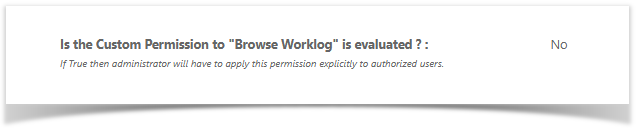
to extend this control as follow ...
This permission offers first solutions to allow or deny user to see worklogs
This ability is provided on following features :
- Extended Worklog Issue Panel
- Timespent Issue Panel
- Timetracking Issue Web Panel
In future, Minyaa will try to extend the supported features, if non intrusive solution are found.